Import
Bring in videos, podcasts, and files
Paste a link or drop in a local file. Trace keeps it in your Mac library.
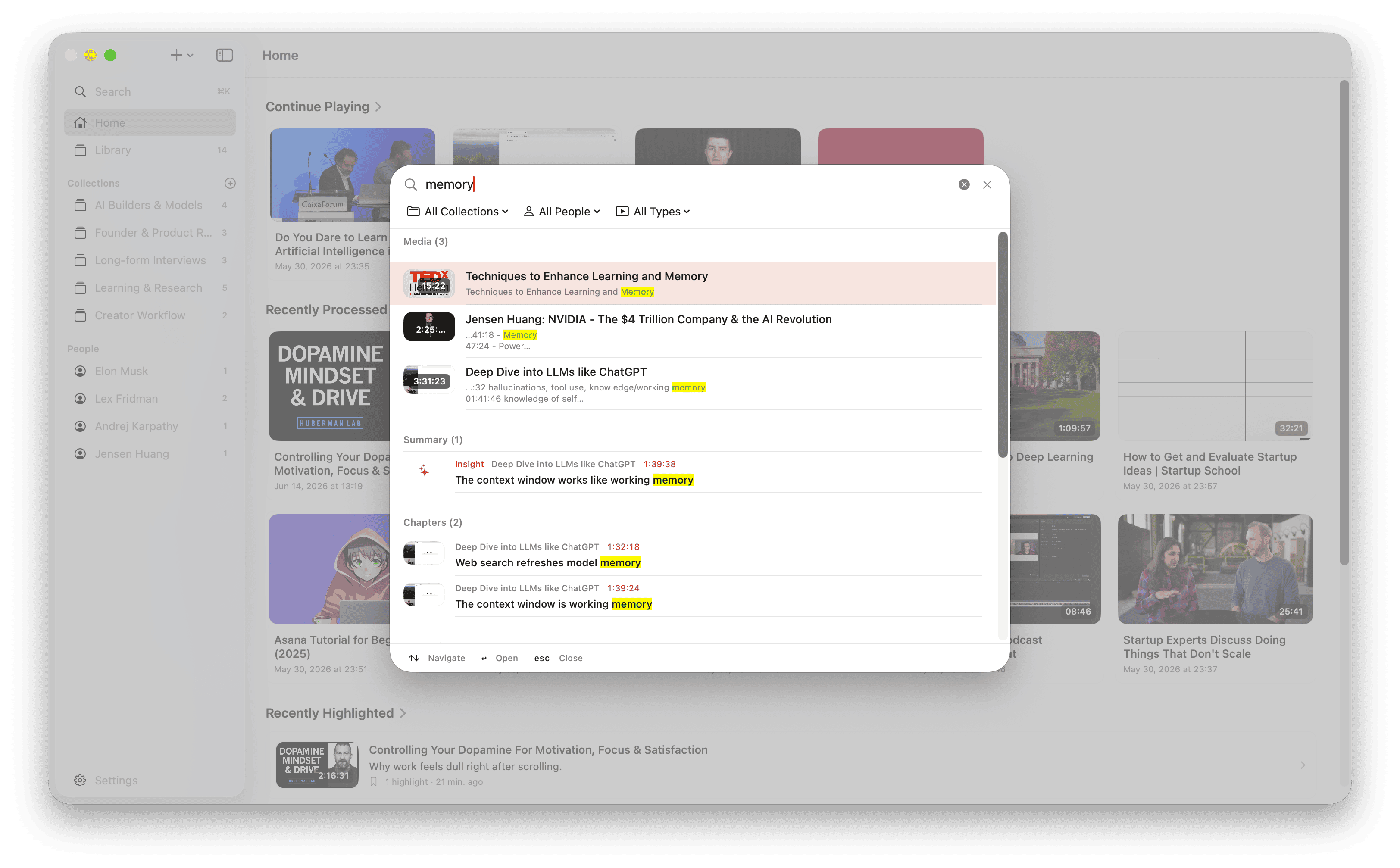
Trace turns it into a transcript and key points — get the gist without watching it all. Everything stays on your Mac, so any line is one search away.
Free to start·$39 one-time·no Trace subscription
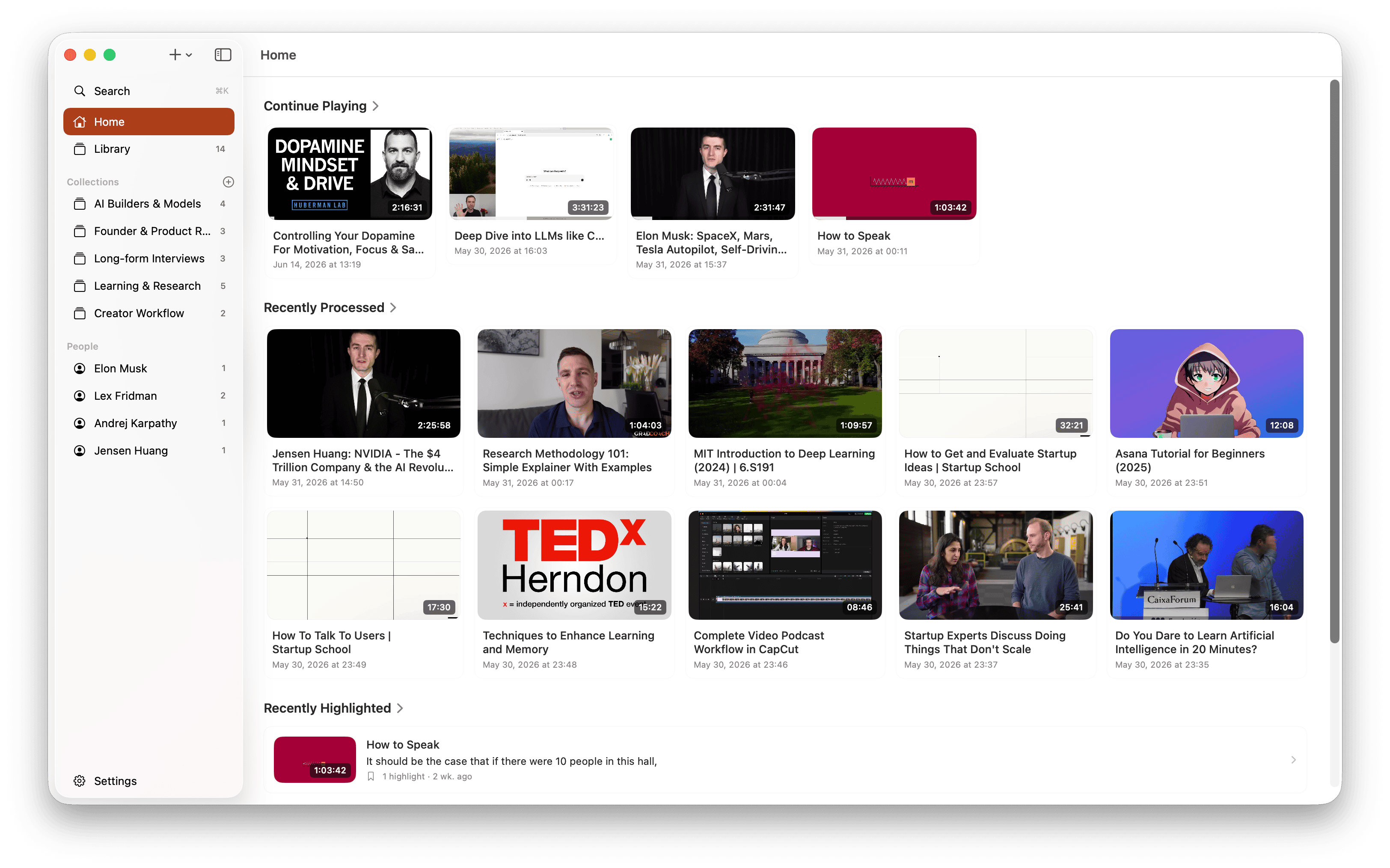
Paste a YouTube or podcast link, or drop in a local file.
Get a summary, chapters, and answers you can check against the recording.
Search your whole library or export — your transcripts, highlights, and notes are there when you need them.
Read it, ask about it, save what matters, and find it again later.
Paste a link or drop in a local file. Trace keeps it in your Mac library.
Trace transcribes on your Mac. Each line links back to the moment it was said.
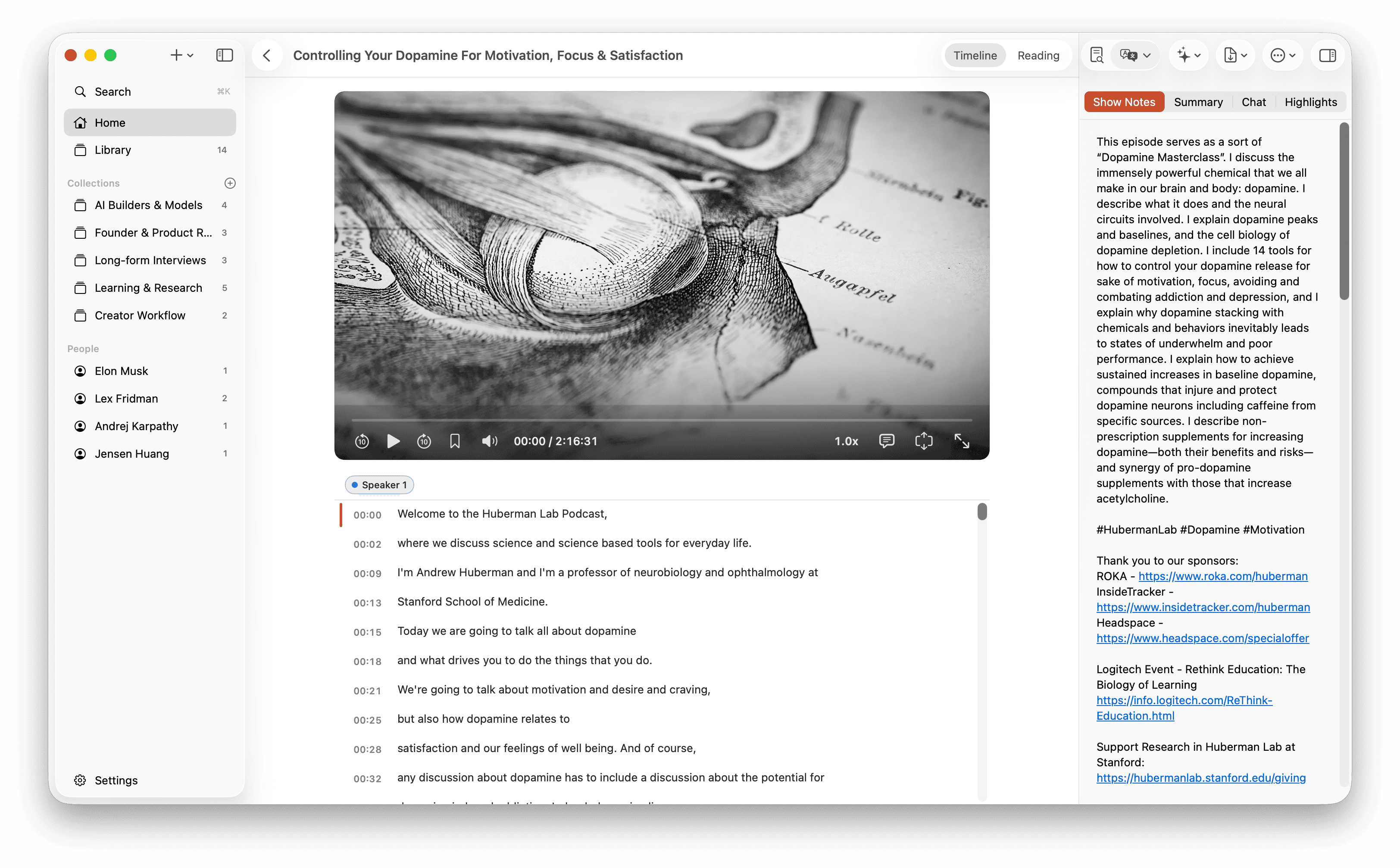
See the summary, chapters, and key points before you decide what to revisit.
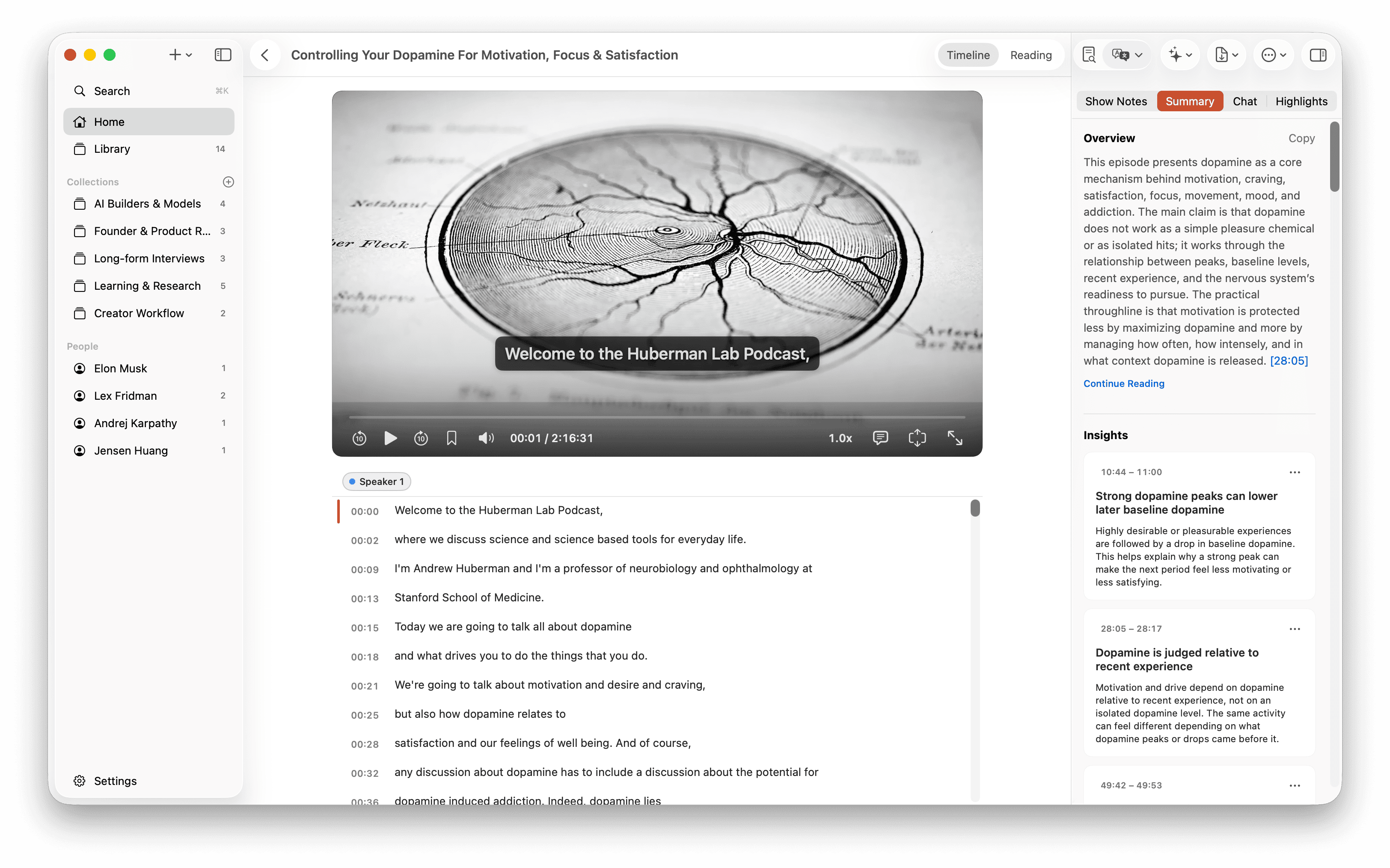
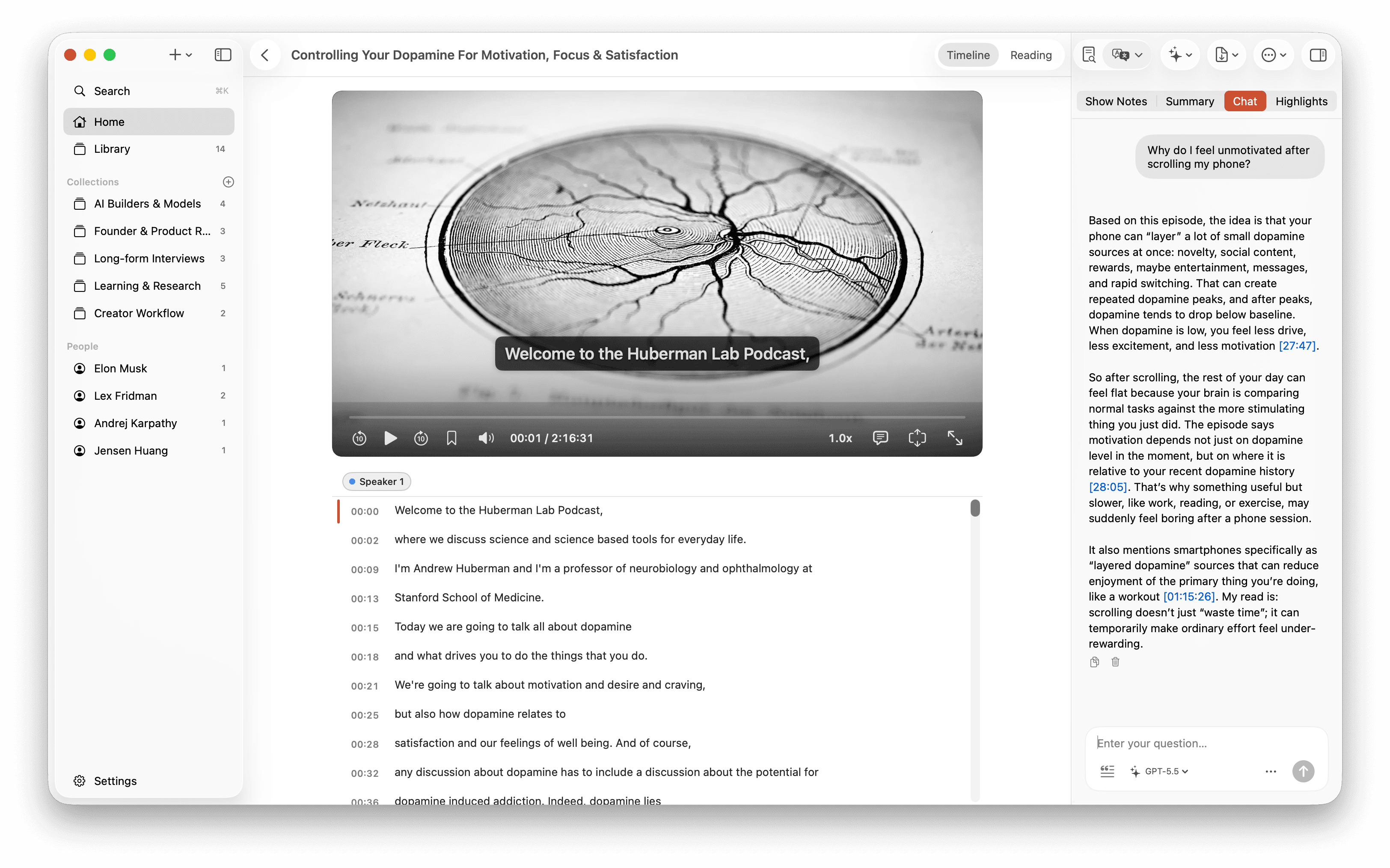
Ask a question and jump back to the cited moment to check the answer yourself.
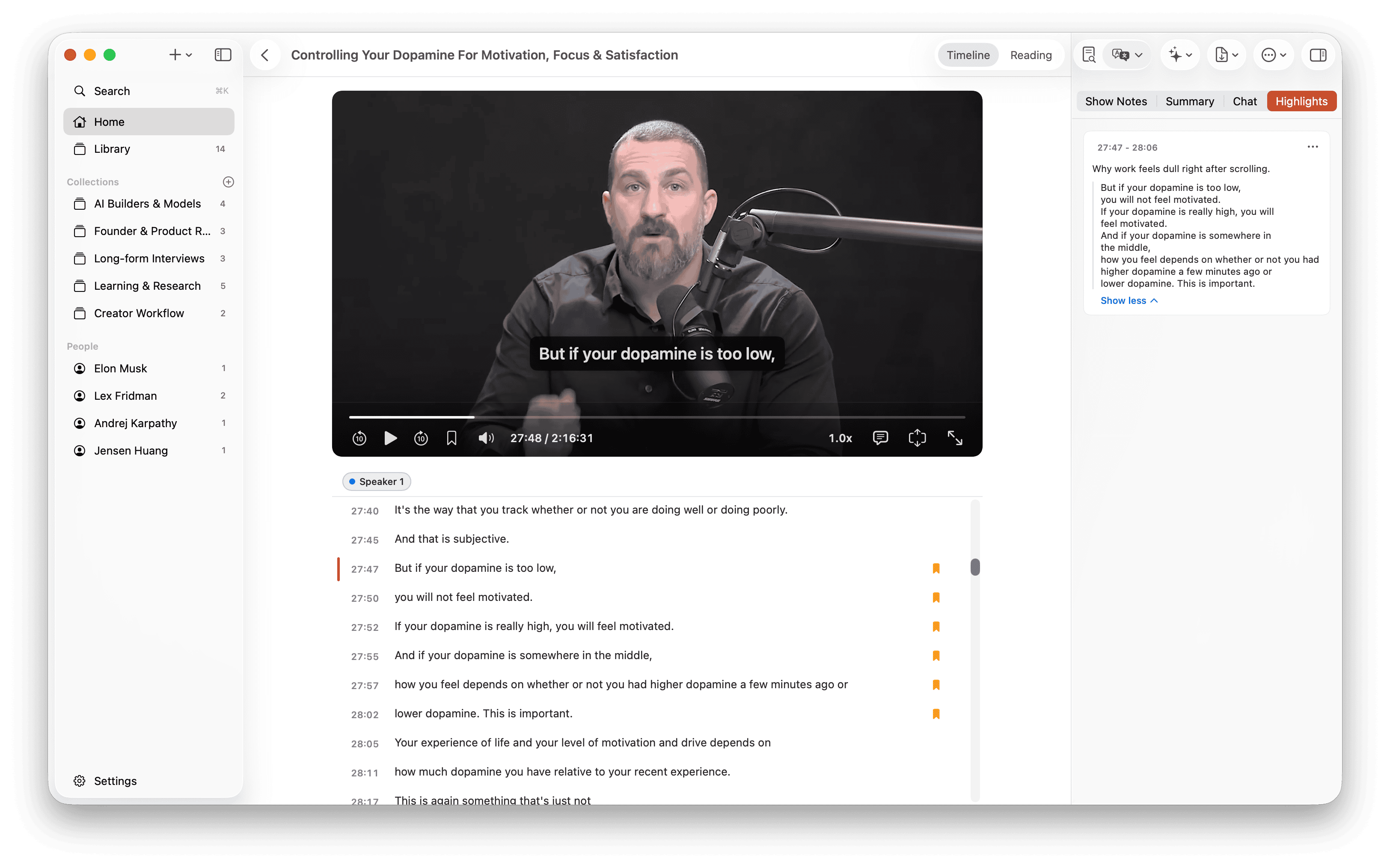
Save any transcript line or AI insight with your own note.
Search titles, transcripts, summaries, chats, highlights, and translations from one place.
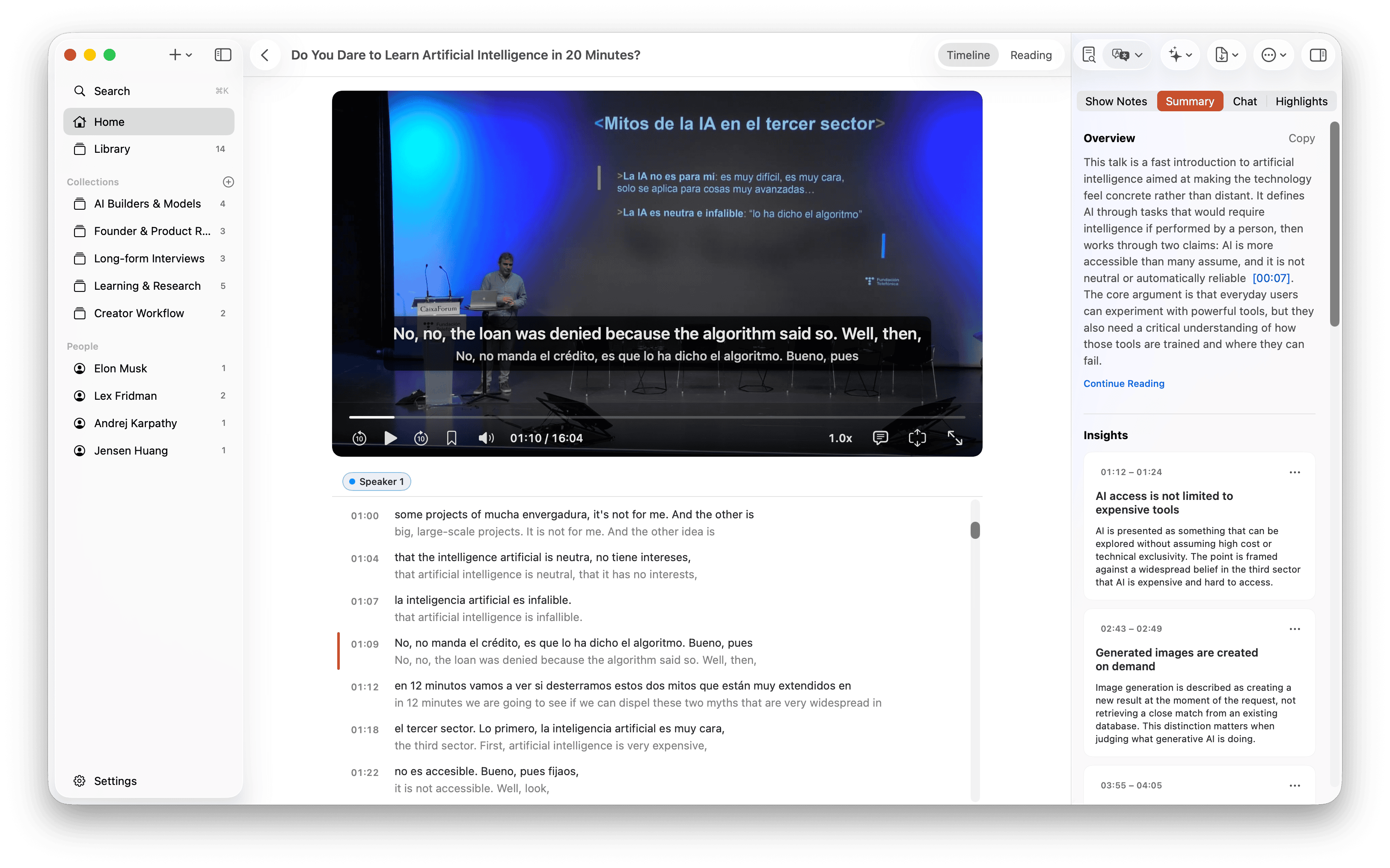
Translate the transcript into your language, then jump back to the exact moment when you need to check the original.
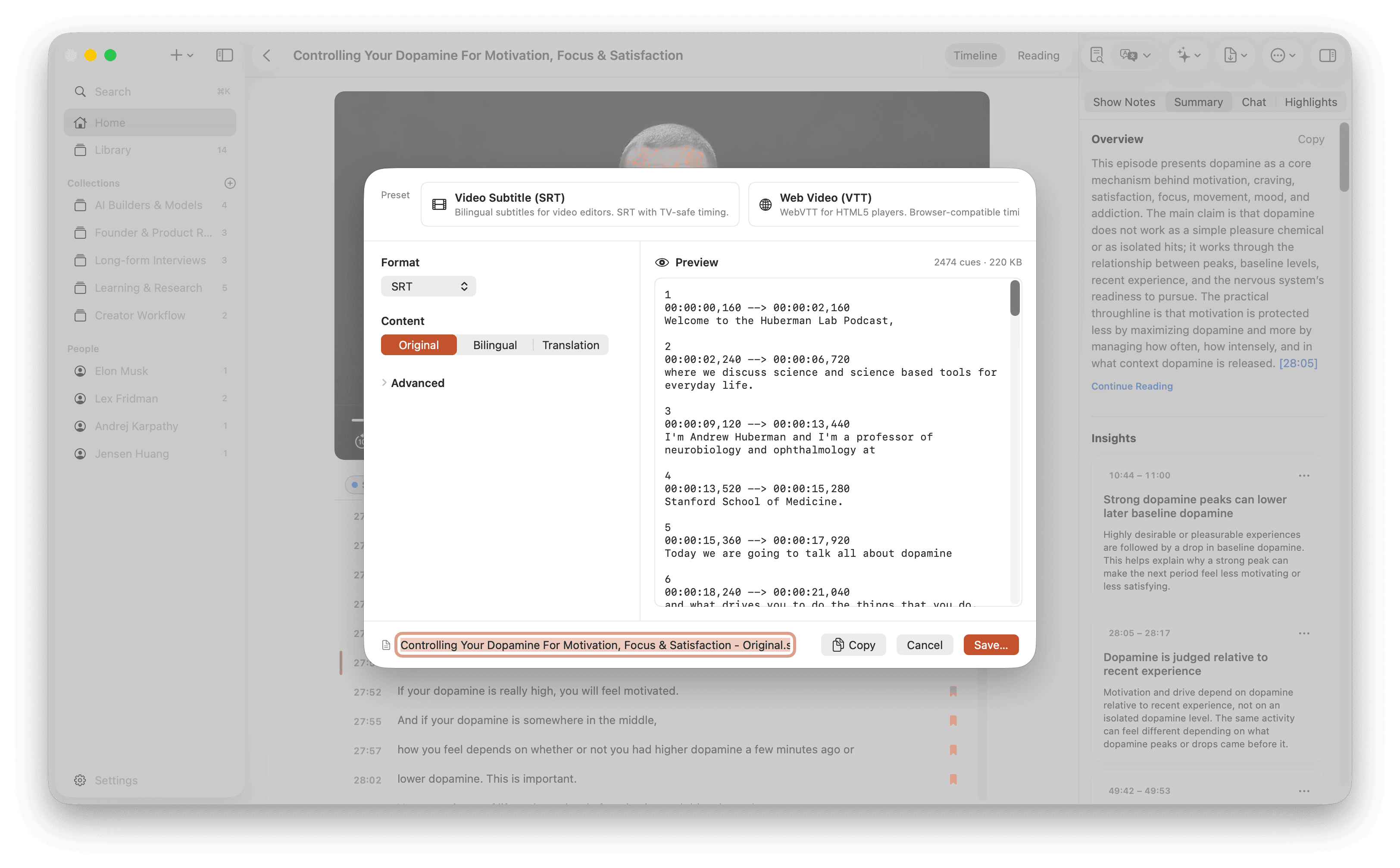
Export transcripts, subtitles, and highlights as SRT, VTT, or Markdown.
Start free with local transcription. Pay $39 once for Pro features.
14-day refund · 3 Macs · macOS 15+ · Apple Silicon only
AI summaries, chat, and translation use your own AI provider account. Provider charges may apply.
No — transcription is just the first step. You get summaries with chapters, ask questions and jump back to verify each answer, save the moments worth keeping as Highlights, and find any phrase later with one search.
Media files stay on your Mac for transcription. When you use AI features such as Summary, Chat, or Translation, Trace sends the needed transcript text to the provider you configured. You choose the provider and the account.
Yes. Trace runs transcription entirely on your Mac using Whisper-class models. Your media files never leave your device for core transcription, and your library is stored locally.
Yes. Local transcription, transcript review, search, and plain text export work without any AI API key. Provider setup is only needed for AI features like Summary, Chat, and Translation. Trace supports Codex, OpenAI, Anthropic, Gemini, DeepSeek, Kimi, MiniMax, and OpenRouter.
The free version lets you bring in any video or audio, transcribe recordings on your Mac, read the transcript, search your whole library, and export as plain text. Pro unlocks higher-accuracy transcription, AI summaries with chapters and insights, chat with timestamp-cited answers, saved Highlights with notes, bilingual translation, and richer export formats (SRT, VTT, Markdown). There's no time limit on the free version.
Paste links from YouTube, Apple Podcasts, X (Twitter), and other supported sites — or drag in local video and audio files in all common formats (MP4, MOV, MP3, WAV, M4A, and more).
A 14-day money-back guarantee, no questions asked. See our refund policy for details.
You can retrieve it anytime from our license recovery page. Just enter your purchase email and you will get a magic link to view all your orders and keys.
The podcast you never finished, the talk you keep meaning to revisit — hand one to Trace, then decide if Pro's worth it.